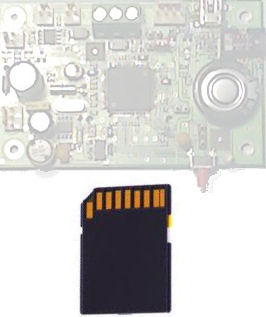
Insert the card as shown in the picture below. The card will not go into the socket if it's around the wrong way, so don't use force when you insert it.
When the card is correctly inserted, the LED will turn red to indicate the card is now in use and should not be removed. If there is a problem with the card, the LED will flash red. In this case, make sure the card is not formatted with NTFS or file system other than FAT. Also make sure there is space on the card and it is not write protected.
To remove the card, first press the button next to it.
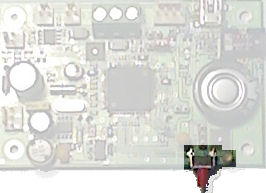
Wait for the LED to turn green then pull the card gently out of the socket.
If power is lost OR if the eject sequence is not followed correctly there is no guarantee that data will be saved.