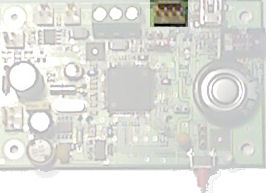
Setting the time and date is optional but useful if you would like to take logs at timed intervals and stamp each entry in the log file with the time of the log. To set the time and date you will need to connect your PC to the TTL Comms header using a SPLat PC232 cable and use a terminal program to interact with the SD Logger board.
A suitable terminal program is Realterm which is free to use.
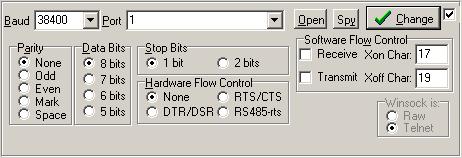
The baud rate should be set to 38.4kbps, no parity, 1 or 2 stop bits, no flow control.
Once the terminal program is configured, press enter and you will see the Choose Option screen:
|
Press 1 to go to the Set Time screen.
Press 2 to go to the Set Date screen.
|
Enter the time in 24 hour format and press enter. The time is now set.
|
Enter the year then month then day and press enter. The date is now set.